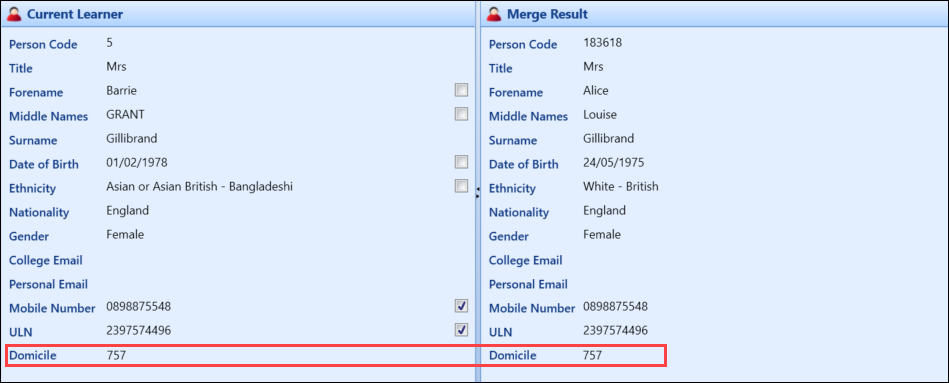
You can add additional fields to the de-duplication panels using the screen manager module, if required.
To add a new field:
-
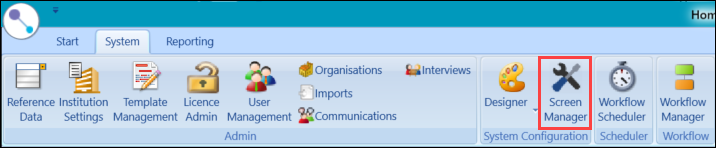
Select the Screen Manager button on the System ribbon to open the Screen Manager module.
-
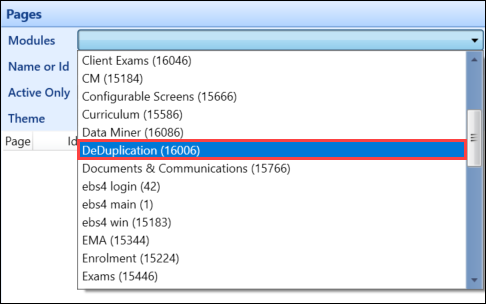
Select DeDuplication from the Modules drop-down list in the Pages panel.
-
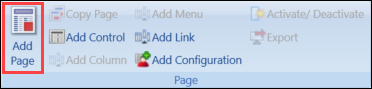
Select the Add Page button in the System Configuration Commands ribbon.
-
The new page details are displayed.
-
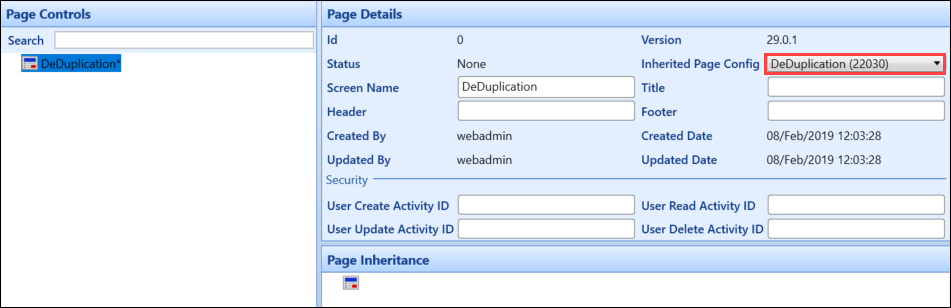
Select DeDuplication from the Inherited Page Config drop-down in the Page Details panel.
-
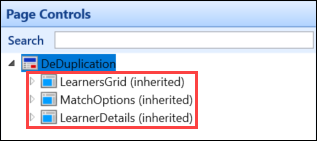
Select Save to inherit the page controls.
-
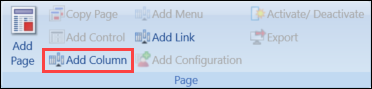
Select the LearnerDetails (inherited) page control in the Page Controls panel, and then select the Add Column button on the System Configuration Commands ribbon.
-
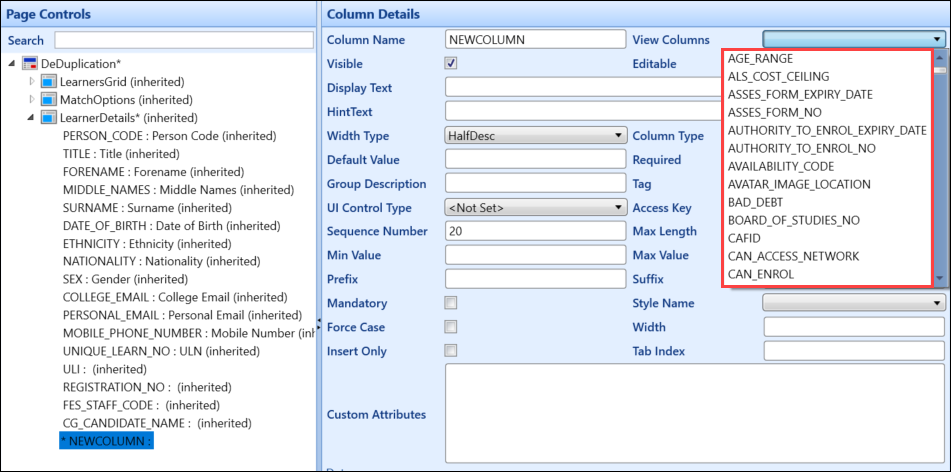
Select the column you want to add from the View Columns drop-down list.
-
Enter any other details and columns, as required.
-
Select Save .
-
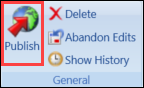
Select the Publish button on the System Configuration Commands ribbon.
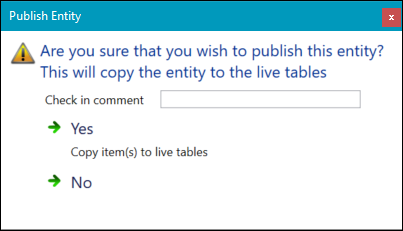
The Publish Entity window is displayed.
-
Enter a check in comment in the Check in comment field, and then select Yes .
On restarting EBS, the new field is displayed on the De-duplication screen.